How to Access Your Membership Library
Step-by-Step Instructions for Logging into your Membership Library.
Your welcome email will have a button titled Express Login. If you click that, you will not need to enter a password and can skip ahead to step 4.
The screen images are current at the time of creating this document. The images may change slightly as the membership grows, but the steps will remain the same.
Go to:
https://Learn.InternationalGlutenFree.com/login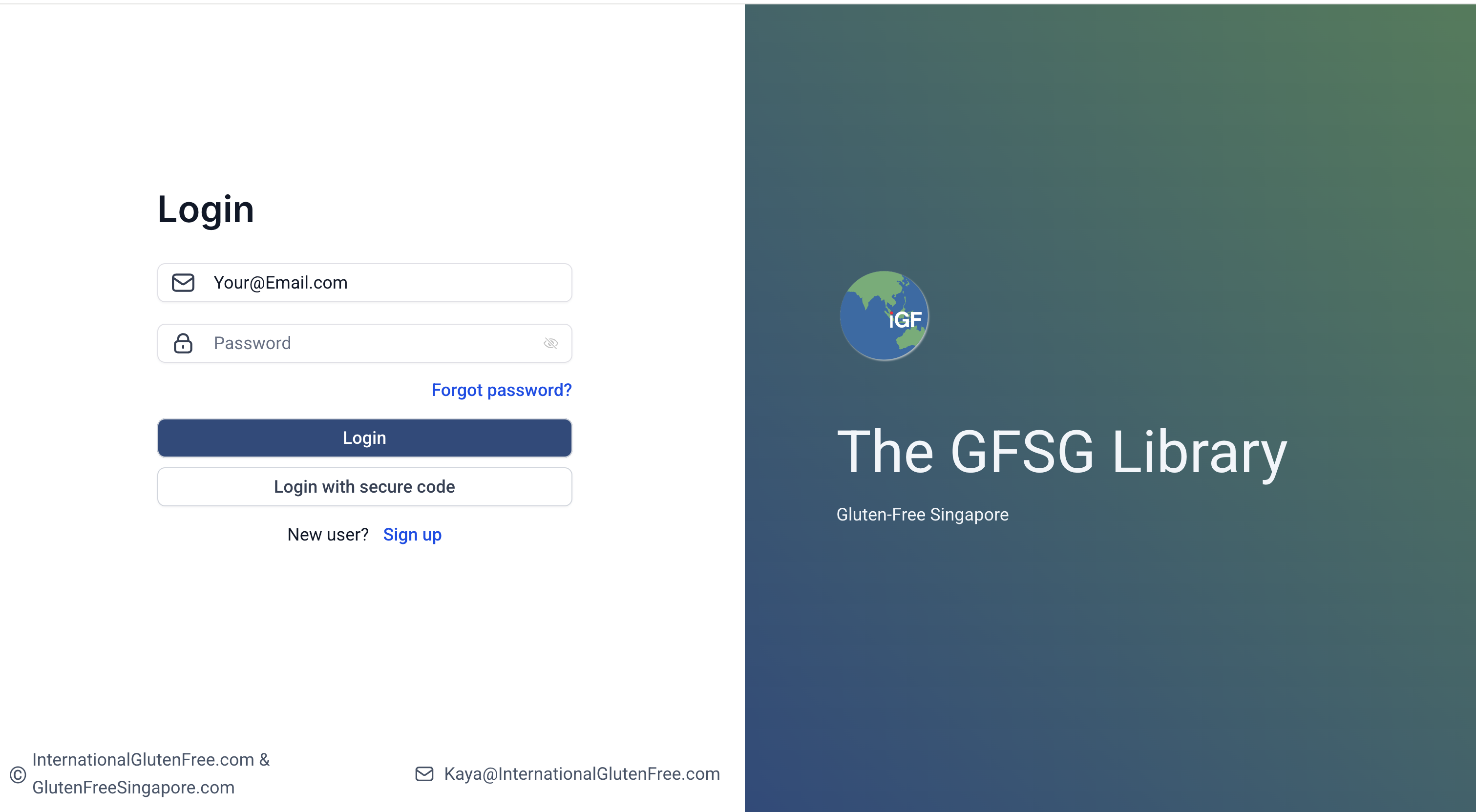
Library Login Screen Click “Login with secure code”
(You can set a password later inside the membership library)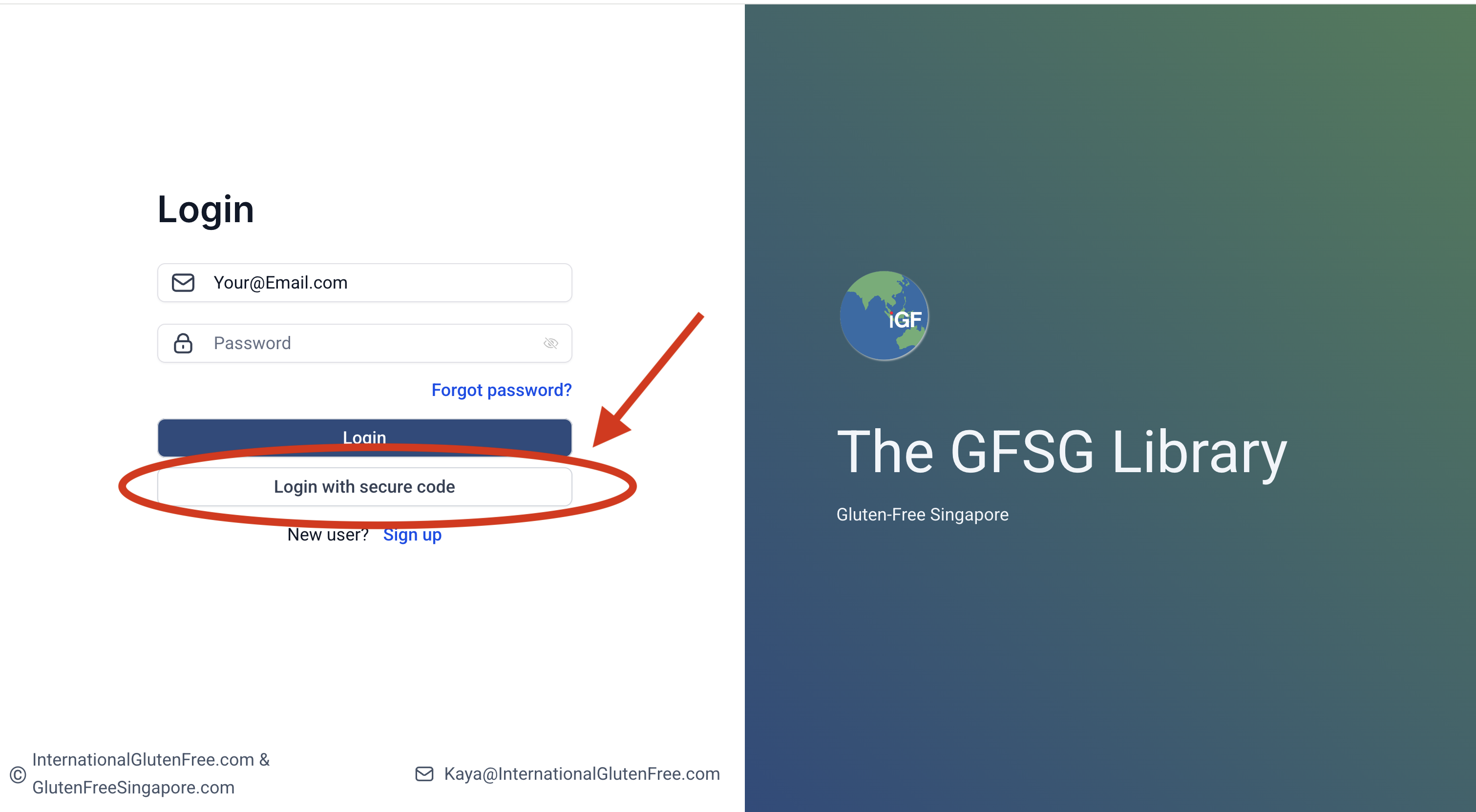
Choose Generate Secure Code and enter your email Enter the email you used at sign-up
You’ll receive a one-time login code (OTP) from:
Courses & Community[email protected]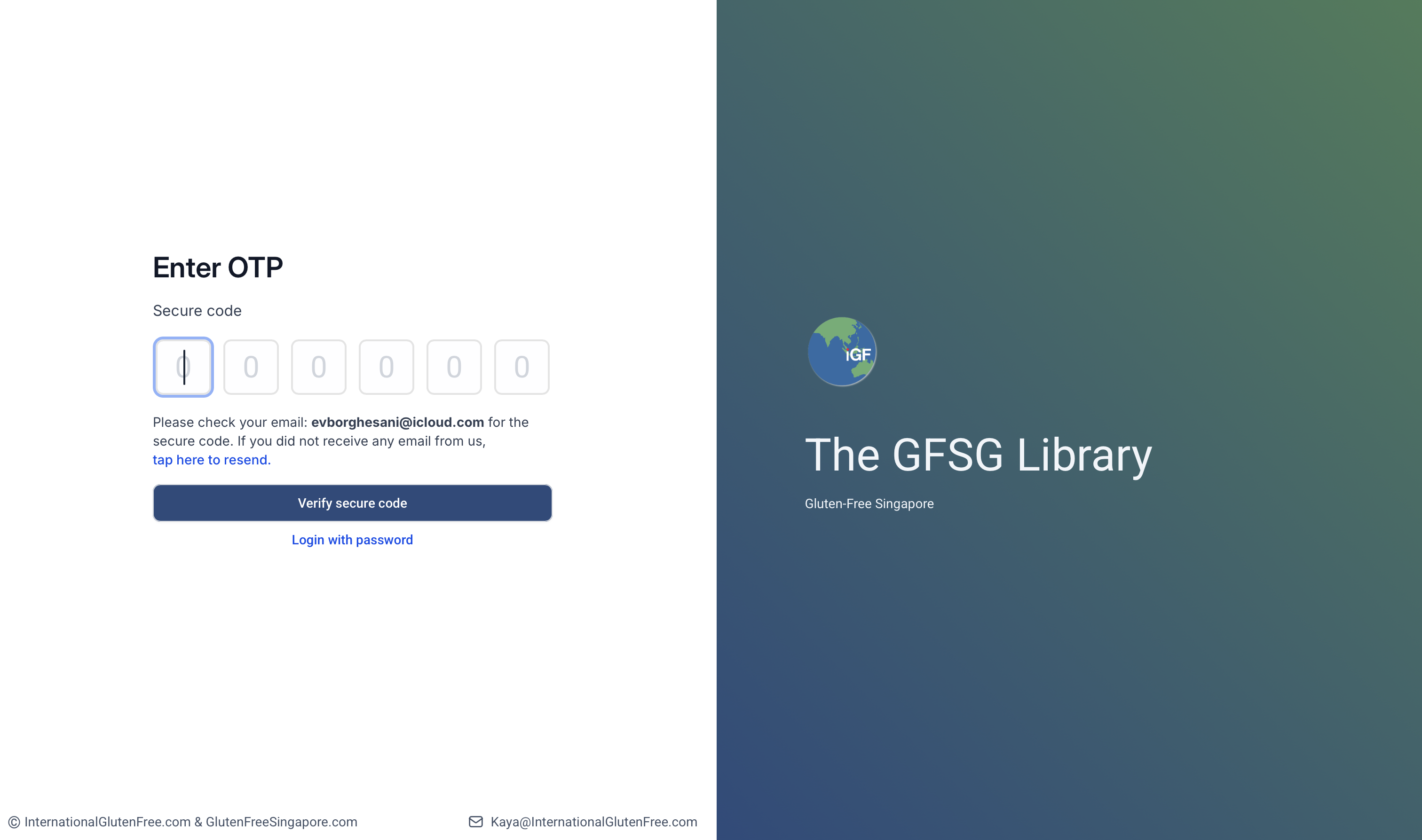
Enter the OTP from the automated email Note: if there was a typo in the email you used to sign up, you will not be able to access the library. Scroll to the bottom of this post to the Troubleshooting section.
Inside the Membership Library.
There will be several options, Take a course, Join a Group and Manage Subscriptions.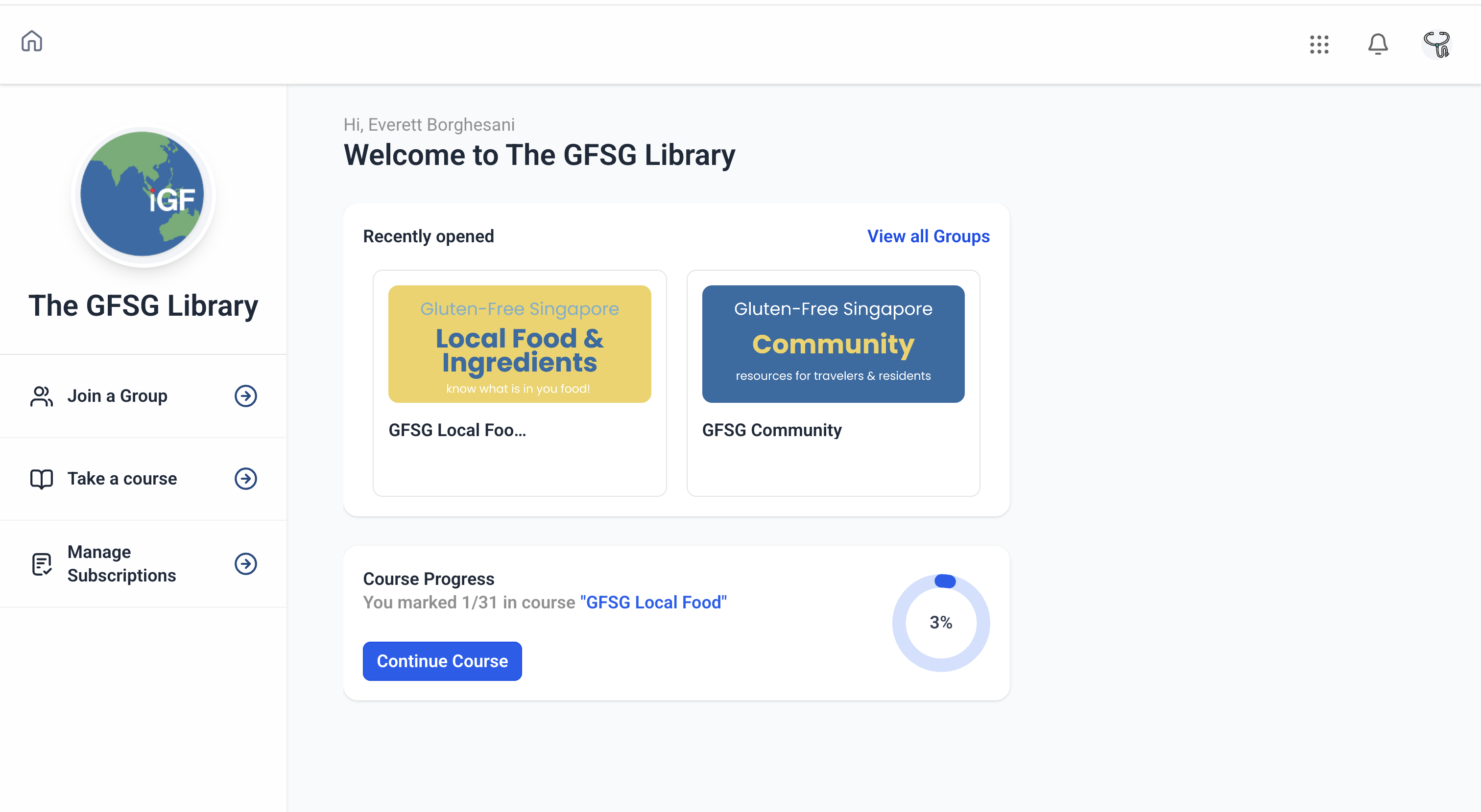
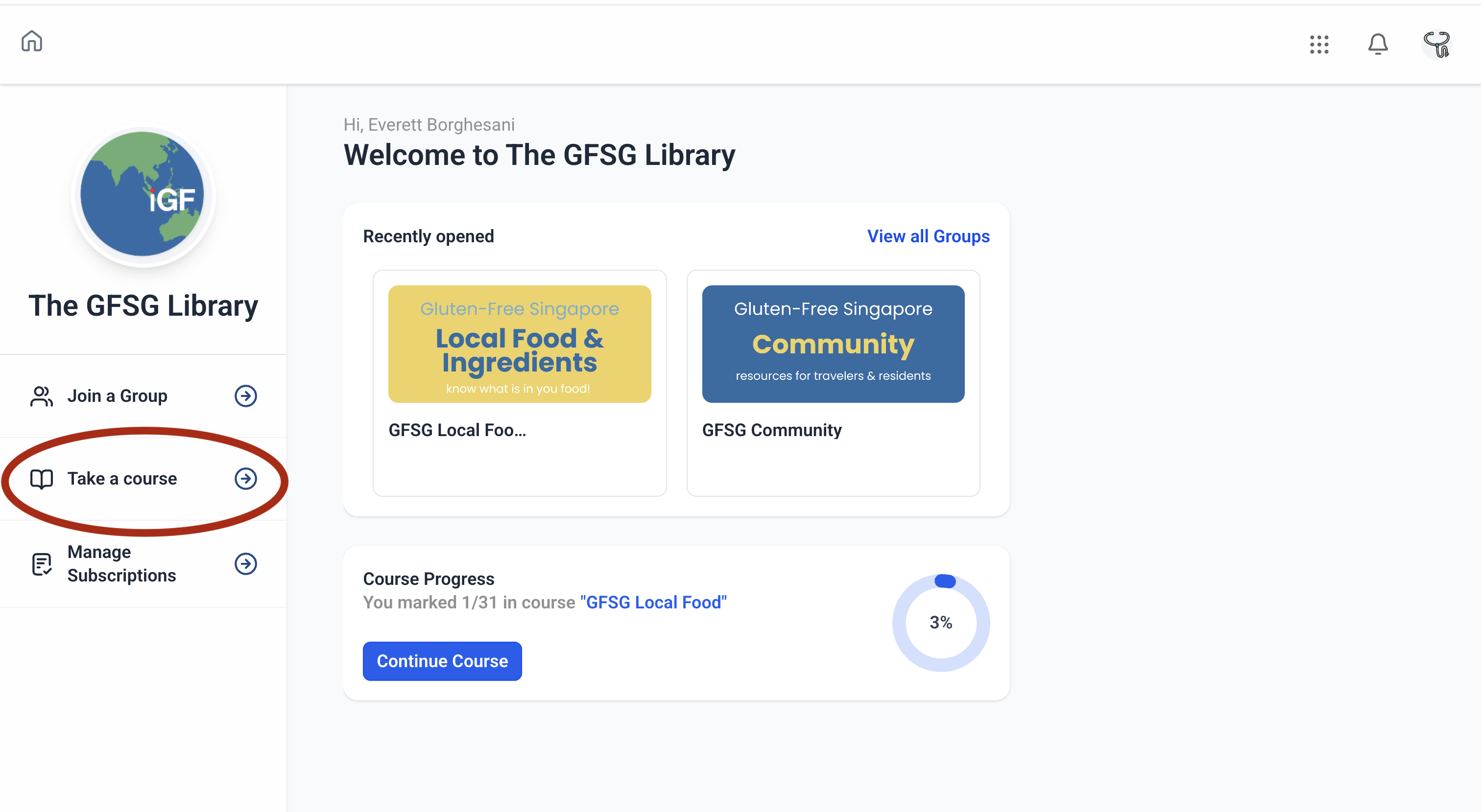
Start with Take A Course Go to your course in the library
All available courses can be accessed from here.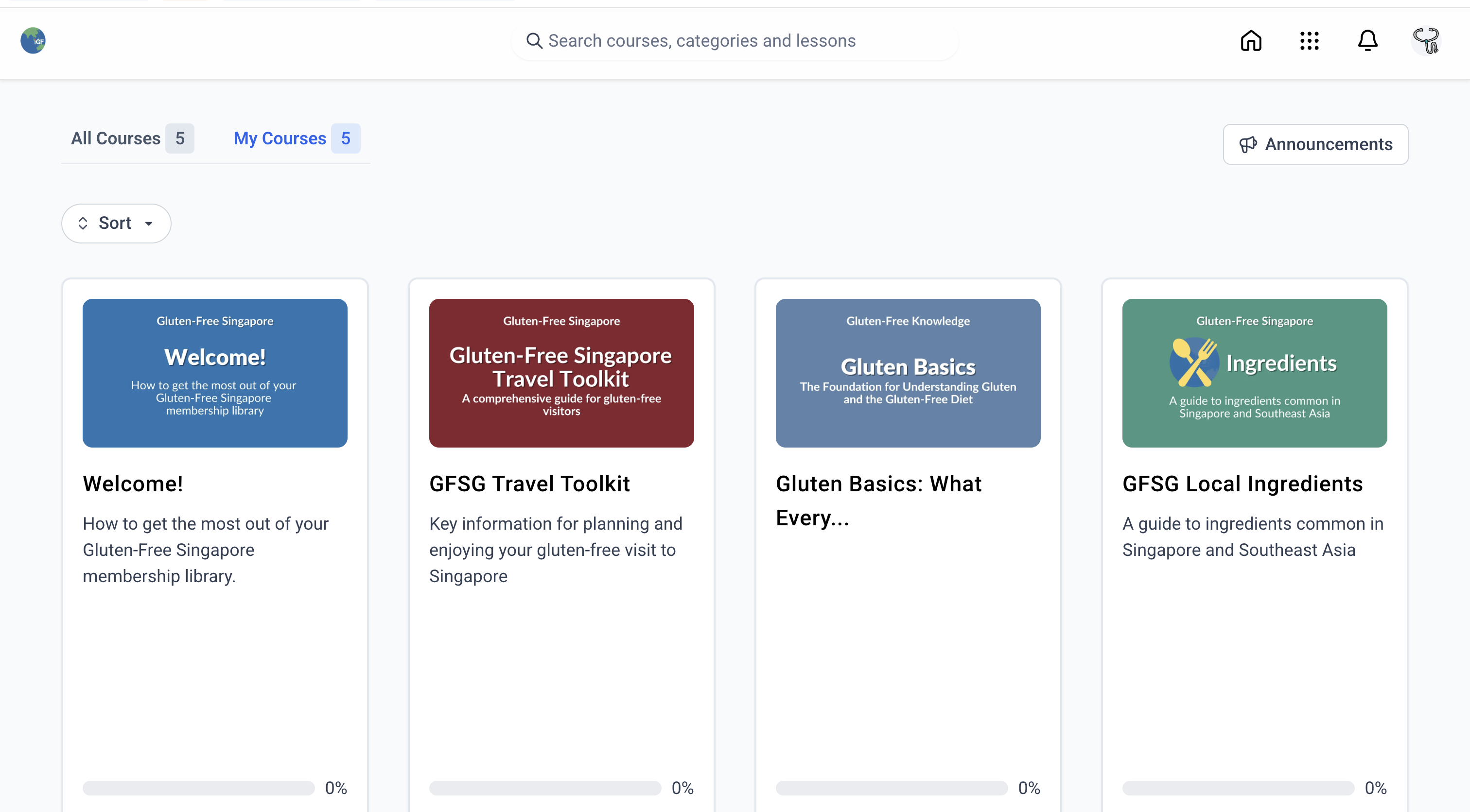
Choose the Welcome course to get started The Welcome Course.
Information to help you get started.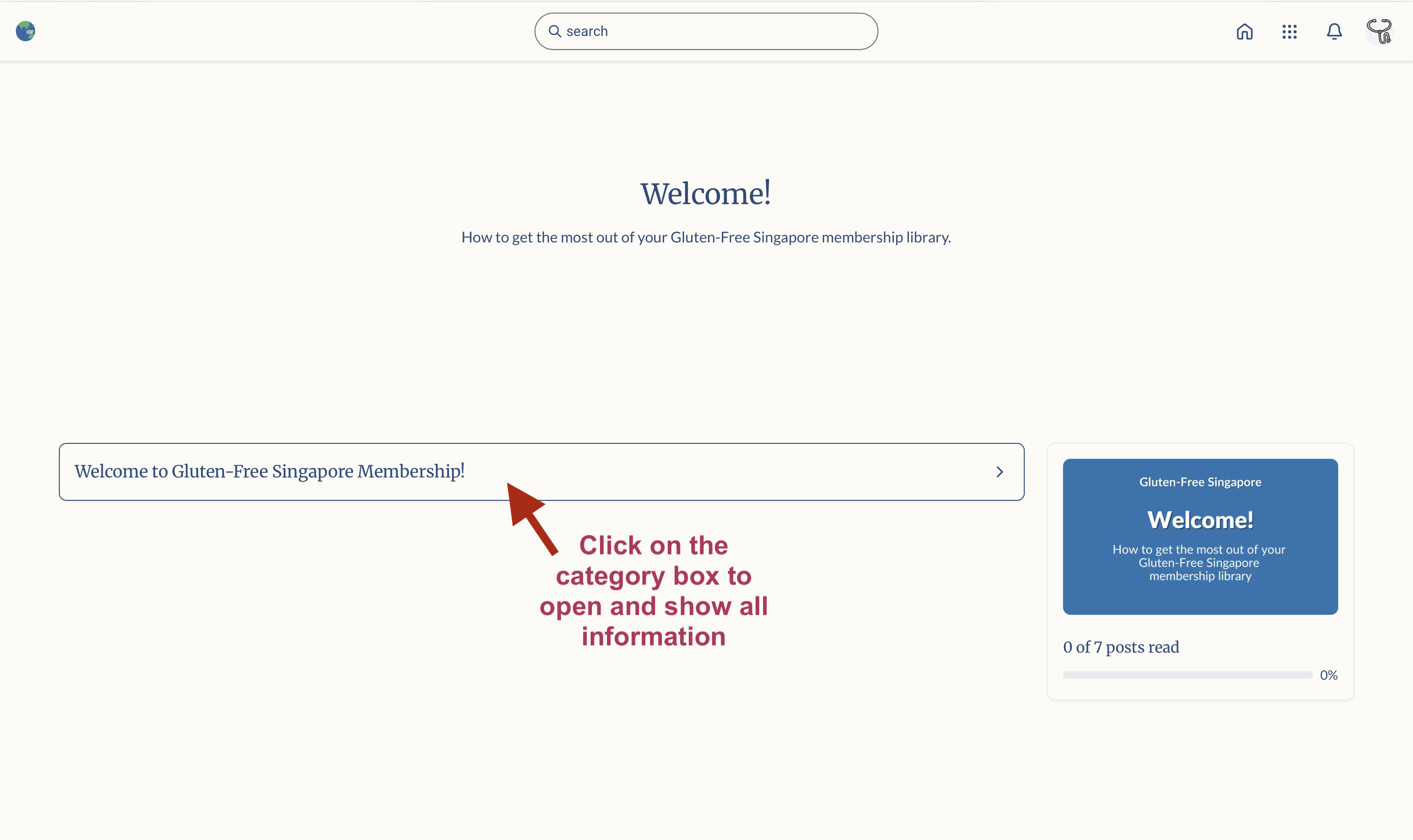
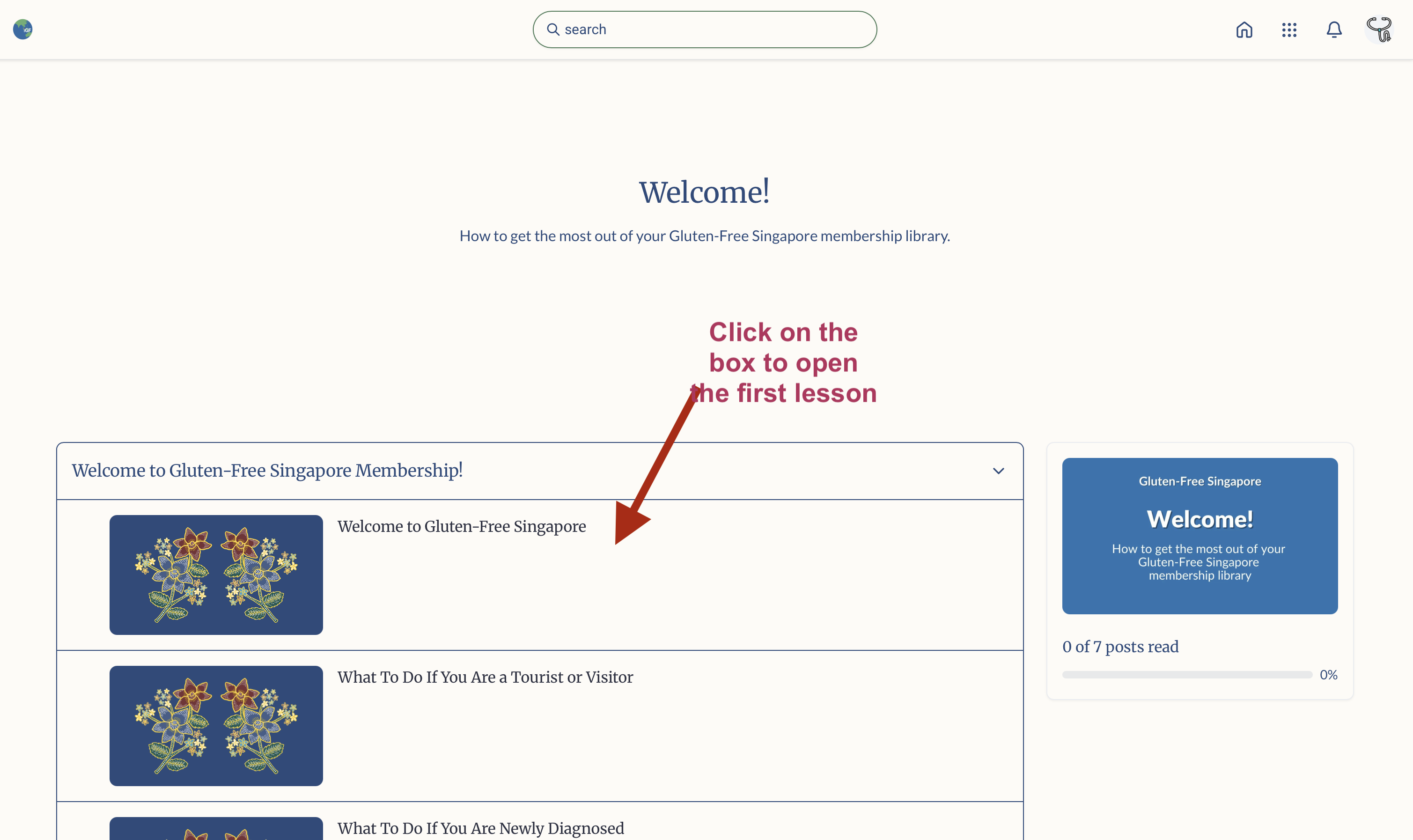
Start with the welcome lesson and work your way through. Click Save Progress as you finish each one to mark them as complete.
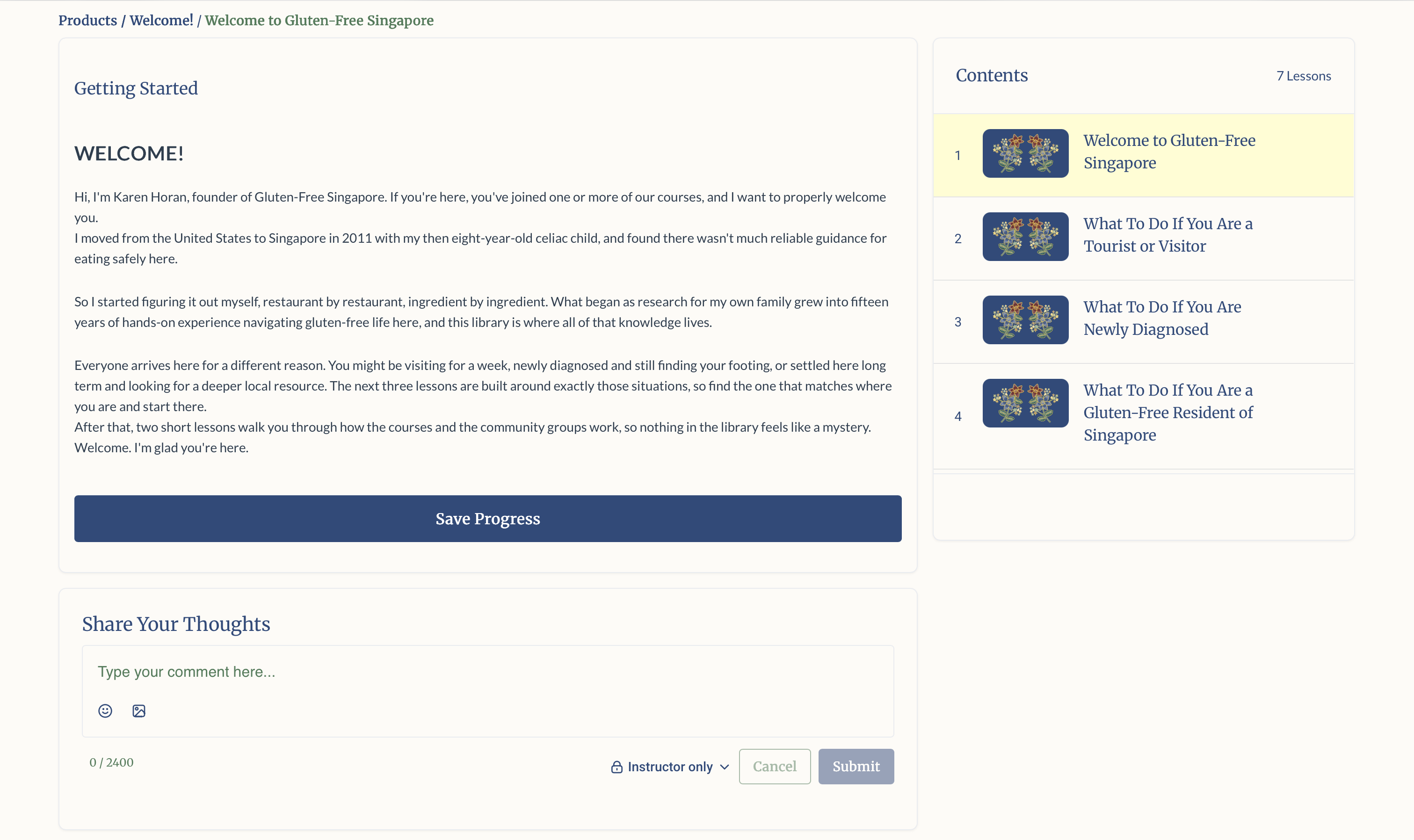
If a course or lesson has downloadable resources, they will be available in the section titled Resource Library.
Are you ready to explore the Communities? Read up on them here.
📱 Want mobile access?
The membership library will work well through your browser on an ipad or tablet. But for a better viewing on your phone, we suggest to download the GoKollab app.
Troubleshooting
💬 Still didn’t get the welcome email or your OTP?
There are several possibilities.
It may have gotten sorted into your junk/spam folder.
Sometime there is an accidental typo in your email address while signing up. It happens to the best of us. Click here to fill our urgent request form and we will get back to you as soon as possible.
Have you unsubscribed from any of our emails in the past? A generic unsubscribe may trigger a Do Not Disturb (DND) on your account. Although you will get urgent emails such as receipts, you will not get other emails. Click here to reactivate your email address.
The universe is out to get all of us. First a gluten-free diet, now this. No worries. Click here to fill our urgent request form and we will do our best to sort this out as soon as possible.