Managing Your Membership: Profile, Billing & Notifications
Your account settings, payment details, and notification preferences all live in one place inside your membership library. Here's how to find them and what each option does.
Two Ways to Access Your Account
From the sidebar. once you're logged in, look for Manage Subscriptions, listed just below Join a Group and Take a Course.
From your profile icon. click your personal icon in the top right corner of the screen. It opens the same settings.
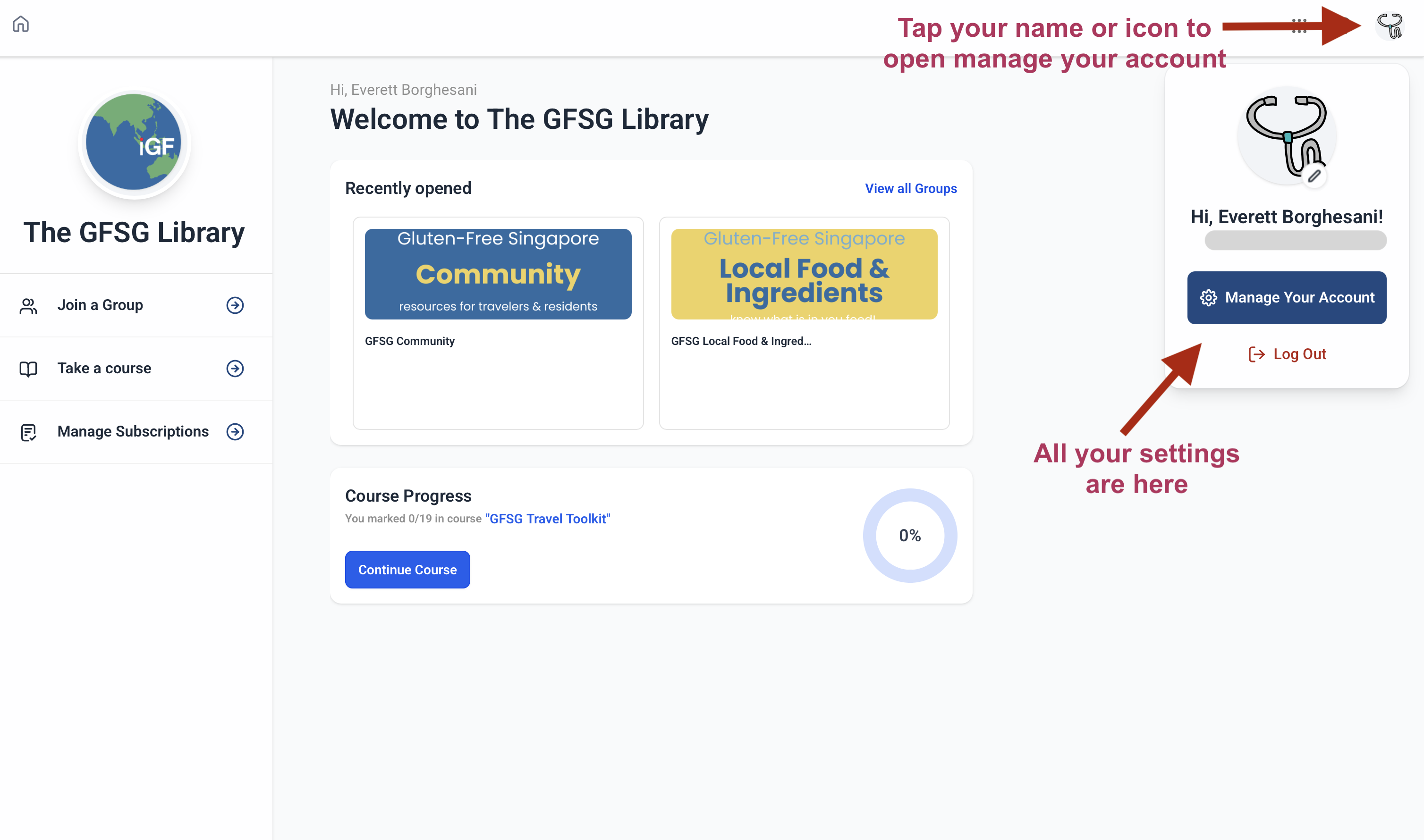
Either way lands you in the same place: Profile, Account, Billing and Subscription, and Notifications.
New to the library and not sure where anything else lives? Start with Where to Find Everything in Your Membership Library.
Profile
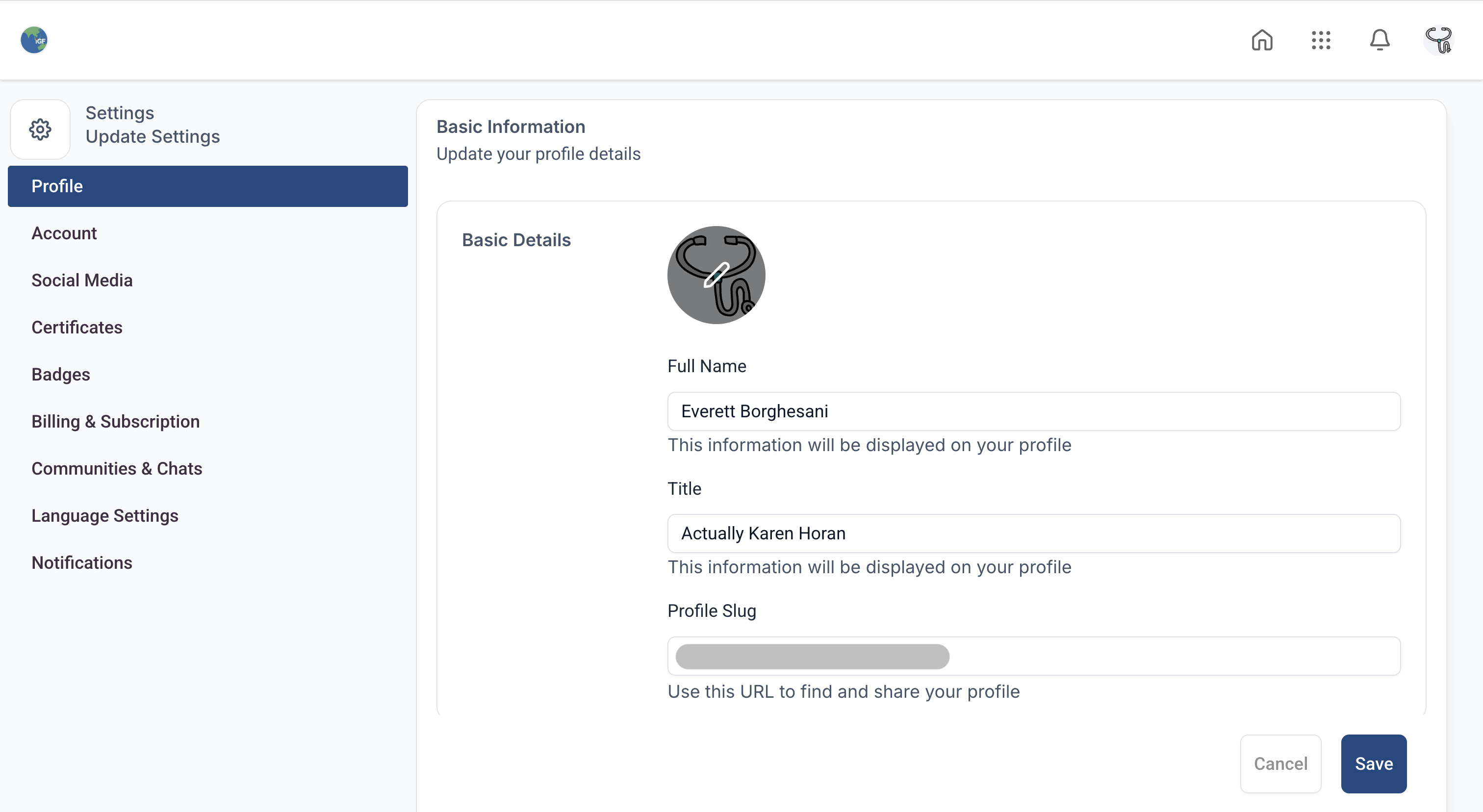
This is where you edit your name and your account icon, the small personal touches that show up when you post in the community.
Account
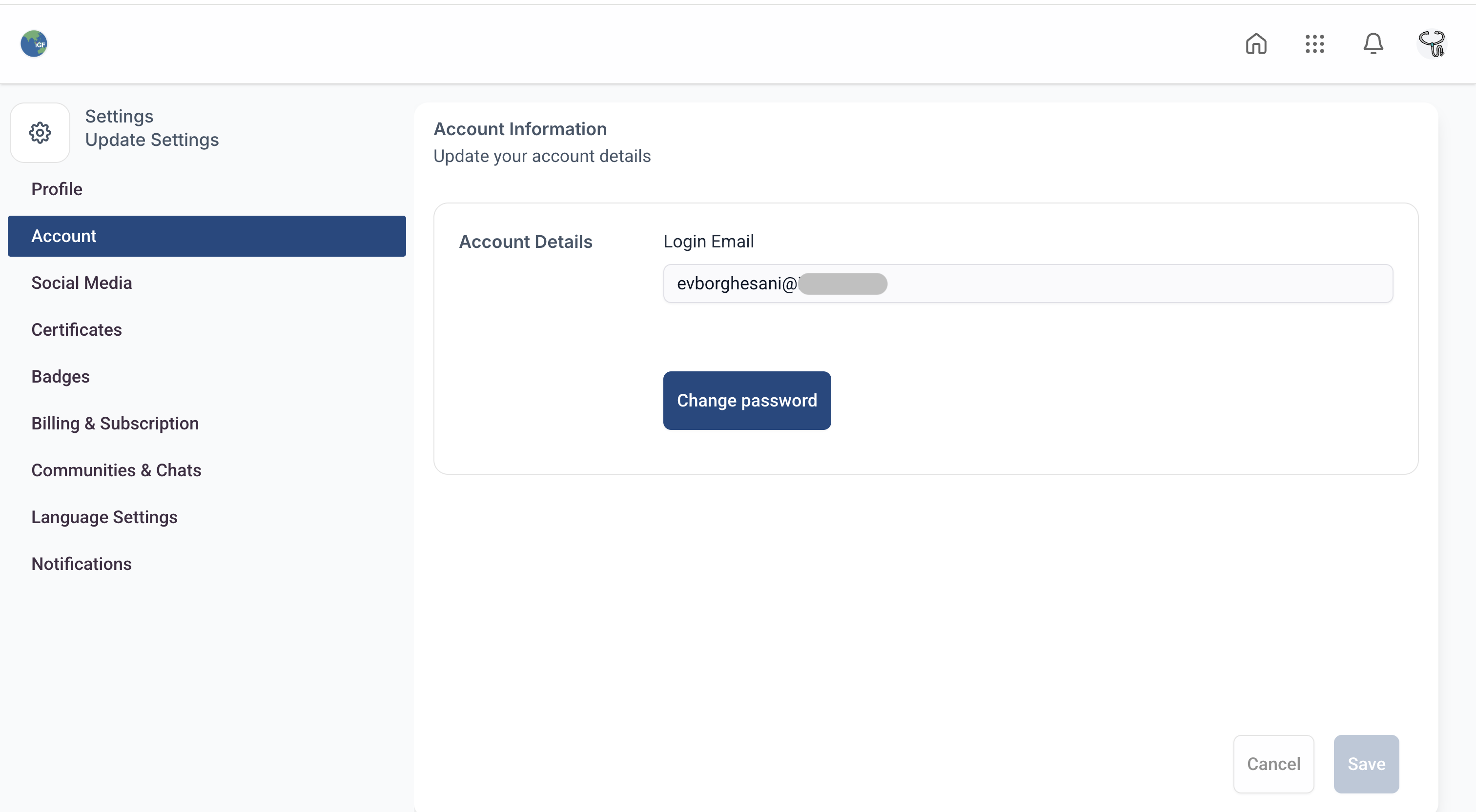
Your Account tab shows the email address on file, and it's also where you set or change your password.
Billing and Subscription
This is where you update your payment method or cancel your membership.
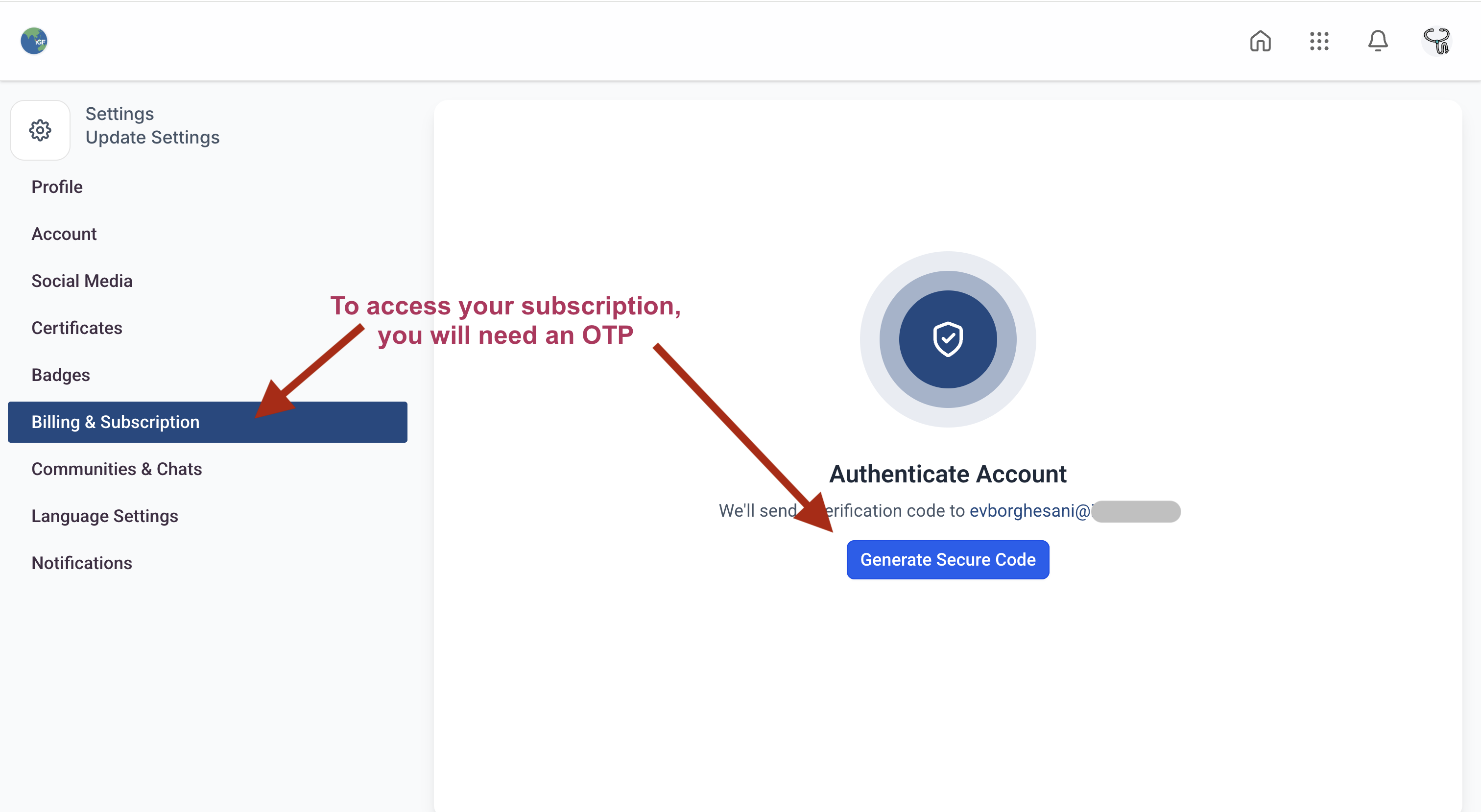
Getting in. click Generate Secure Code, then enter the one-time code sent to your email to access this section. It's an extra security step since this is where your payment details live.
Once you're in. you'll see GFSG Membership listed, along with your start date and your current status.
To cancel. click the three dots next to Active, and the cancel option will appear.
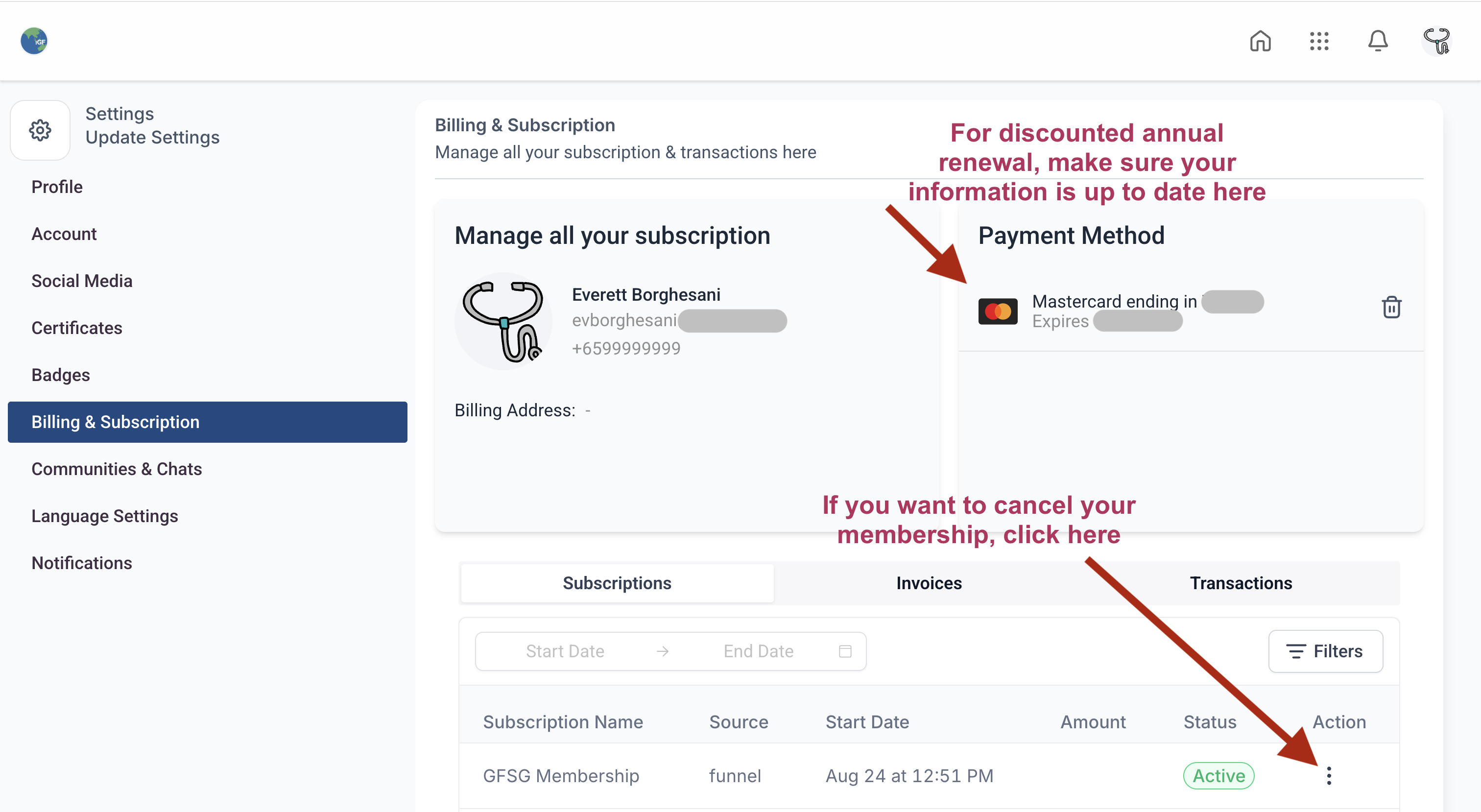
Before you cancel: canceling removes all courses and community access from your library immediately. The lower S$25 annual renewal rate no longer applies once you're out, if you decide to rejoin later, you'll pay the full first-year price again.
Notifications
This tab controls what you hear from us and from other members.
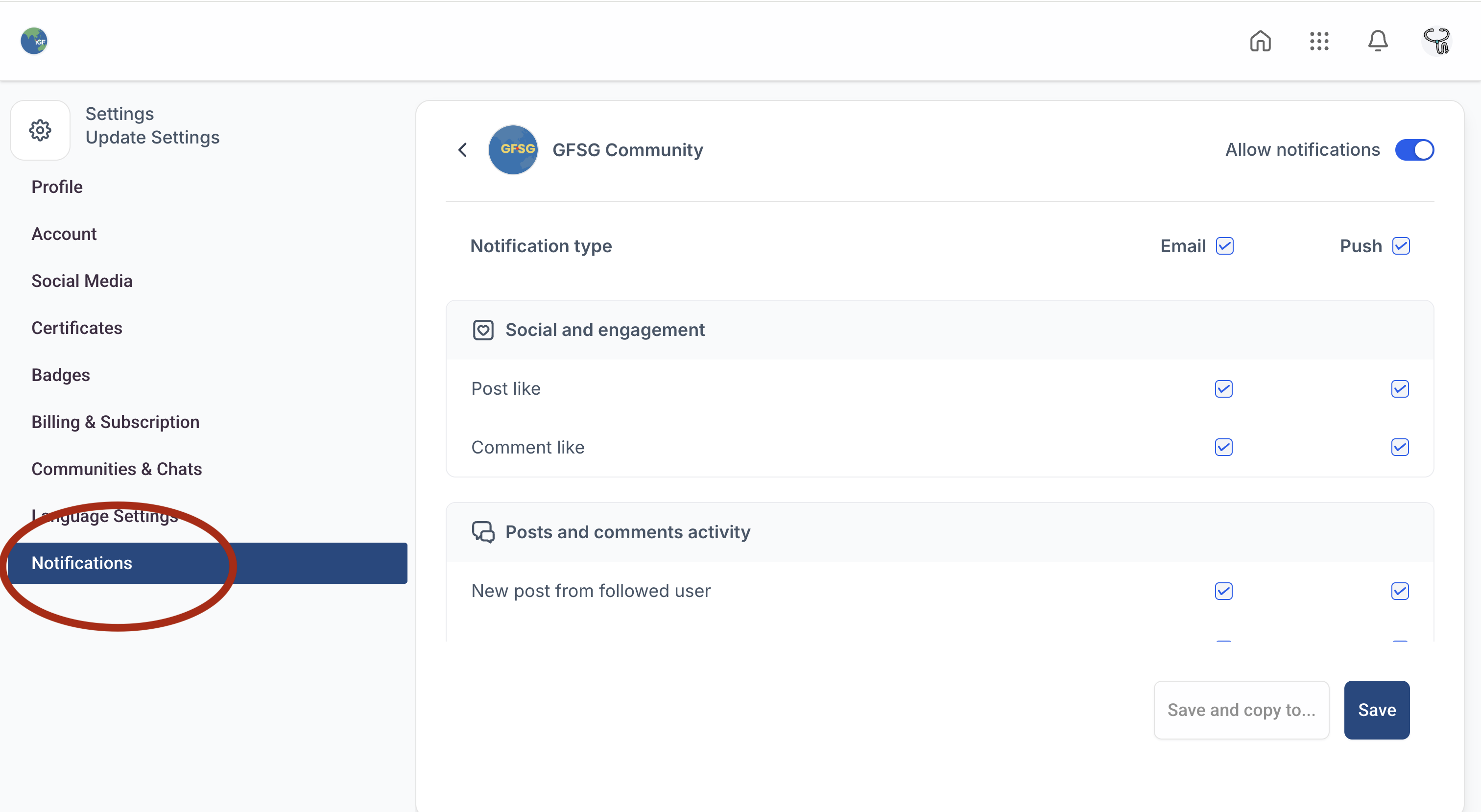
Defaults. everything is turned on when you first join. Worth taking a minute early on to decide what actually matters to you, course updates, community replies, or both.
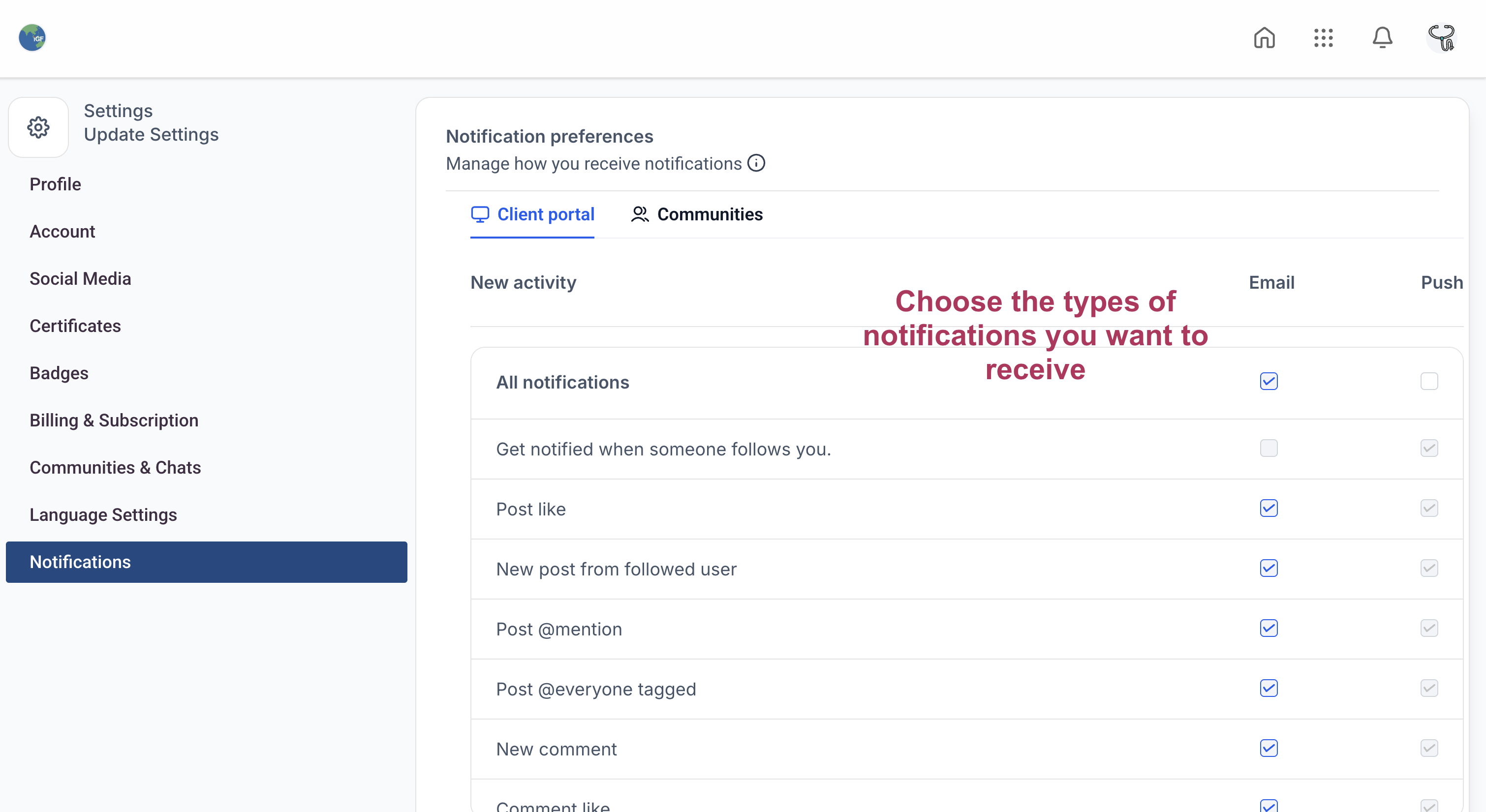
Course and community notifications. can be set separately, so you can, for example, stay updated on new course content without getting pinged on every community post.
Messaging preferences. you can choose whether other members can message you directly, and block individual members if needed.